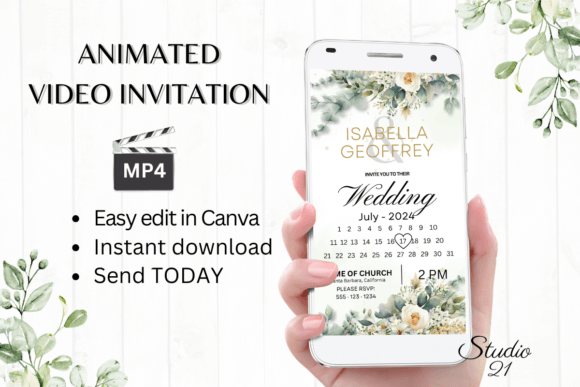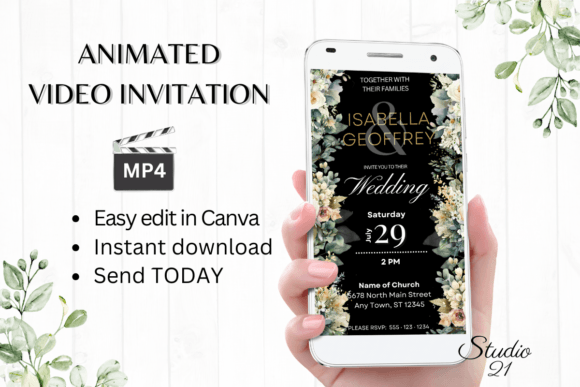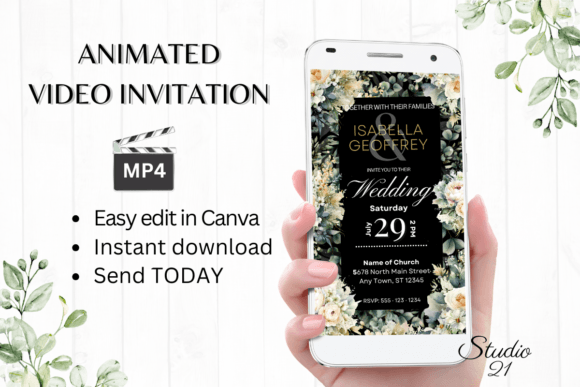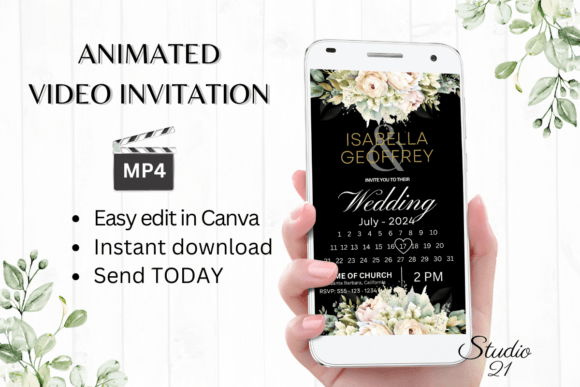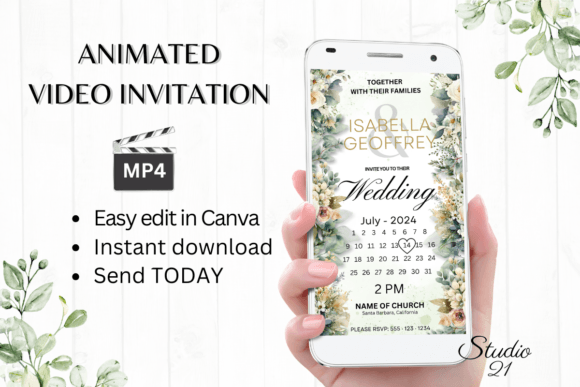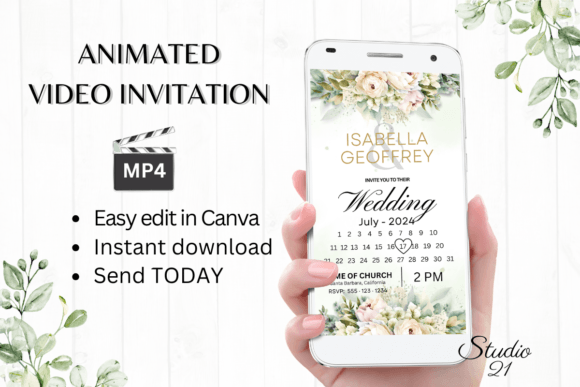
Electronic Wedding Invitation W8428B: A Modern Digital Evite Solution
Understanding the Digital Invitation Template
The Electronic Wedding Invitation W8428B represents a shift in how couples approach wedding announcements. This isn't a traditional font file you install on your computer—it's a fully animated video invitation template designed for immediate customization through Canva. Think of it as a complete design asset rather than a single typeface. The template produces a polished, animated MP4 file that feels professional without requiring any design software or technical expertise.
What makes this particular template stand out is its balance between elegance and accessibility. The visual style leans into clean, modern typography with subtle animations that add movement without overwhelming the content. The overall aesthetic works well for contemporary weddings—whether you're planning a minimalist city ceremony, a garden celebration, or a destination event. The design doesn't force a specific wedding theme, which gives couples room to personalize the tone through text edits and color adjustments.
Who Benefits from This Animated Invitation Format
Couples who want control over their wedding communications will find this template particularly useful. Instead of waiting days for a designer to send proofs and revisions, you open the Canva link, change the names, dates, and details, then download your finished video. The entire process takes minutes, not weeks. For anyone managing a tight timeline—or simply preferring hands-on creative involvement—this approach removes the back-and-forth that often delays traditional design projects.
Small business owners and event planners might also recognize the broader applications here. While marketed as a wedding invitation, the template structure works for engagement parties, rehearsal dinners, bridal showers, and anniversary celebrations. The animated format performs well across digital channels where static images often get overlooked. When you send an animated invitation through WhatsApp, iMessage, or Messenger, it naturally draws attention in a way that a plain text message or static image cannot.
The template also appeals to people who lack design experience but care about presentation. Canva's interface is intuitive enough that someone with zero graphic design background can produce something that looks intentional and cohesive. You're not learning typography theory or animation principles—you're simply replacing placeholder text with your own information and adjusting colors to match your palette.
How the Template Influences Communication and First Impressions
An invitation sets the tone before a single word is read. The Electronic Wedding Invitation W8428B uses animation and modern typography to create an immediate impression of thoughtfulness and intention. When guests receive a well-designed animated evite, it signals that the couple invested care into the announcement—not necessarily money, but attention to detail. That perception matters, especially for events where presentation and atmosphere are part of the experience.
The visual hierarchy within the template guides the viewer's eye naturally. Key information—names, date, venue—receives appropriate emphasis through size, positioning, and animation timing. This isn't accidental; it's the kind of structural thinking that separates effective design assets from decorative clutter. Even though you're editing a pre-built template, the underlying design principles still work in your favor.
Consistency across communications also becomes easier. Once you've customized the Electronic Wedding Invitation W8428B with your color scheme and text, you can use those same visual choices as a reference point for other wedding materials. The template essentially becomes a starting point for a broader visual identity—menu cards, thank-you notes, and social media announcements can all echo the same aesthetic direction.
Practical Considerations Before You Start Editing
Before diving into customization, spend a few minutes reviewing the included user guide. The PDF instructions walk you through Canva's editing features, which saves time if you're unfamiliar with the platform. Pay attention to how text effects and animation styles are structured—small changes to timing or transitions can significantly alter the final feel of your invitation.
Test your edited version on multiple devices before sending it out. The template specs are 1080x1920 pixels, which works well for mobile screens where most people will view their invitation. Colors may appear slightly different depending on whether someone opens the file on an iPhone, an Android device, or a desktop monitor. This is standard for digital content, but it's worth checking that your chosen palette remains readable and attractive across common devices.
When sharing the final MP4 file, consider your audience's preferences. Older relatives might appreciate an email with the video attached, while younger guests will likely respond better to a direct message through their preferred social platform. The template's format accommodates both approaches—you can download the MP4 for direct sharing or generate a Canva link for email distribution.
Making the Template Work for Your Specific Celebration
The real value of the Electronic Wedding Invitation W8428B lies in how efficiently it adapts to different wedding styles. A couple planning a black-tie reception can adjust the color palette toward deep tones and refined typography. Someone organizing a casual beach ceremony might shift toward lighter colors and relaxed text formatting. The template's neutral foundation supports both directions without requiring structural changes to the animation or layout.
Font choices within Canva are worth exploring, even though the template comes pre-styled. If you prefer a serif font for formality or a script font for romantic undertones, you can swap typefaces directly in the editor. Just ensure that any changes maintain readability at the final resolution—decorative fonts that look beautiful at large sizes sometimes become difficult to read when compressed into a mobile video format.
Ultimately, this template removes the technical barriers that once made professional-looking digital invitations accessible only to those with design skills or generous budgets. The combination of animated video output, Canva's editing simplicity, and instant download access creates a practical solution for couples who want their wedding communications to reflect genuine care without unnecessary complexity.